
MiniMax H3 Image
Turn a detailed brief into a richly textured image. Combine references, shape a scene and explore native high-resolution generation with MiniMax H3 Image.
Reference imageDescribe the image you want to create…What is Minimax h3 Image?
MiniMax H3 Image is MiniMax’s open-weight model for creating and editing still images. It combines text-to-image generation and reference-guided editing in one model. Use it to develop product diagrams, character sheets, photographic scenes and game art, with detailed instructions about subjects, materials and composition.
See what Minimax h3 Image can create
Official MiniMax examples show how the model approaches structure, consistent character design and a complete visual world.
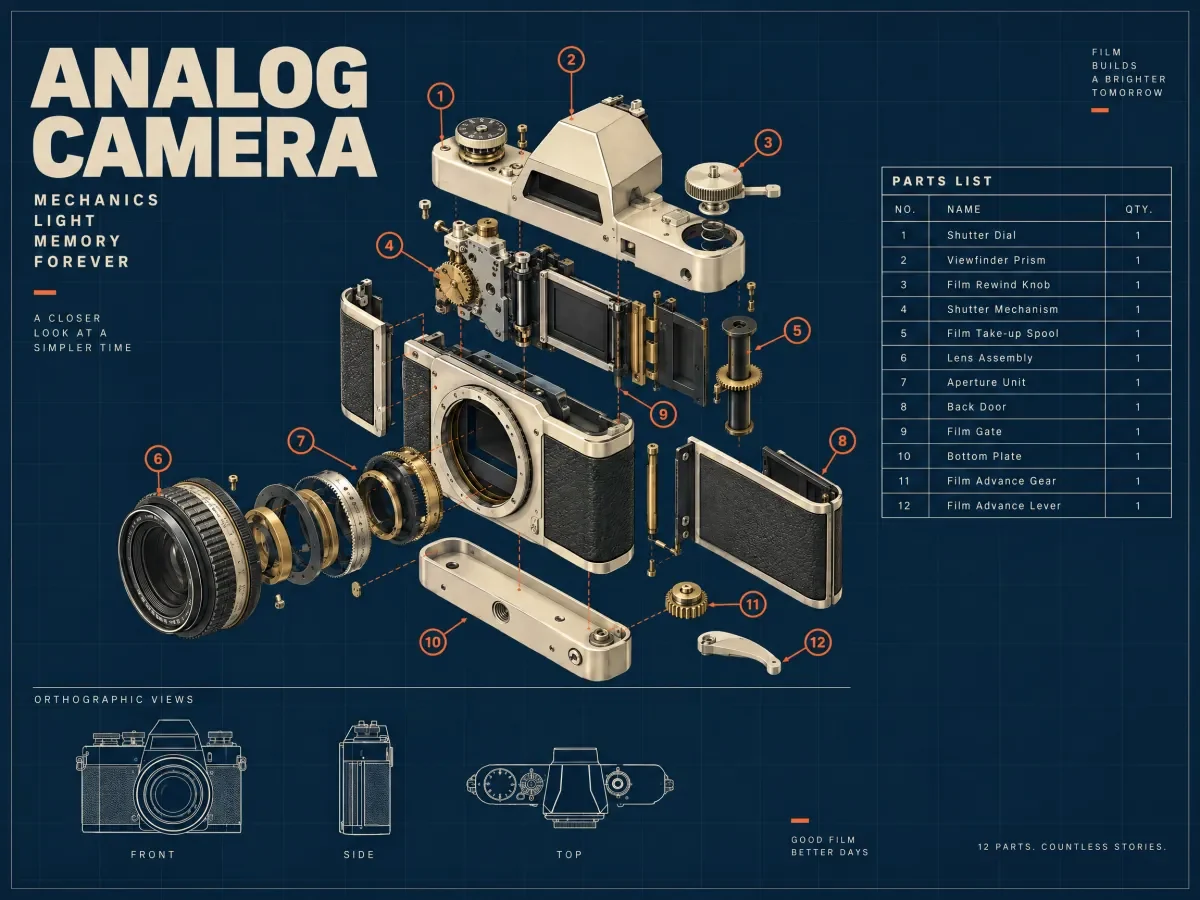
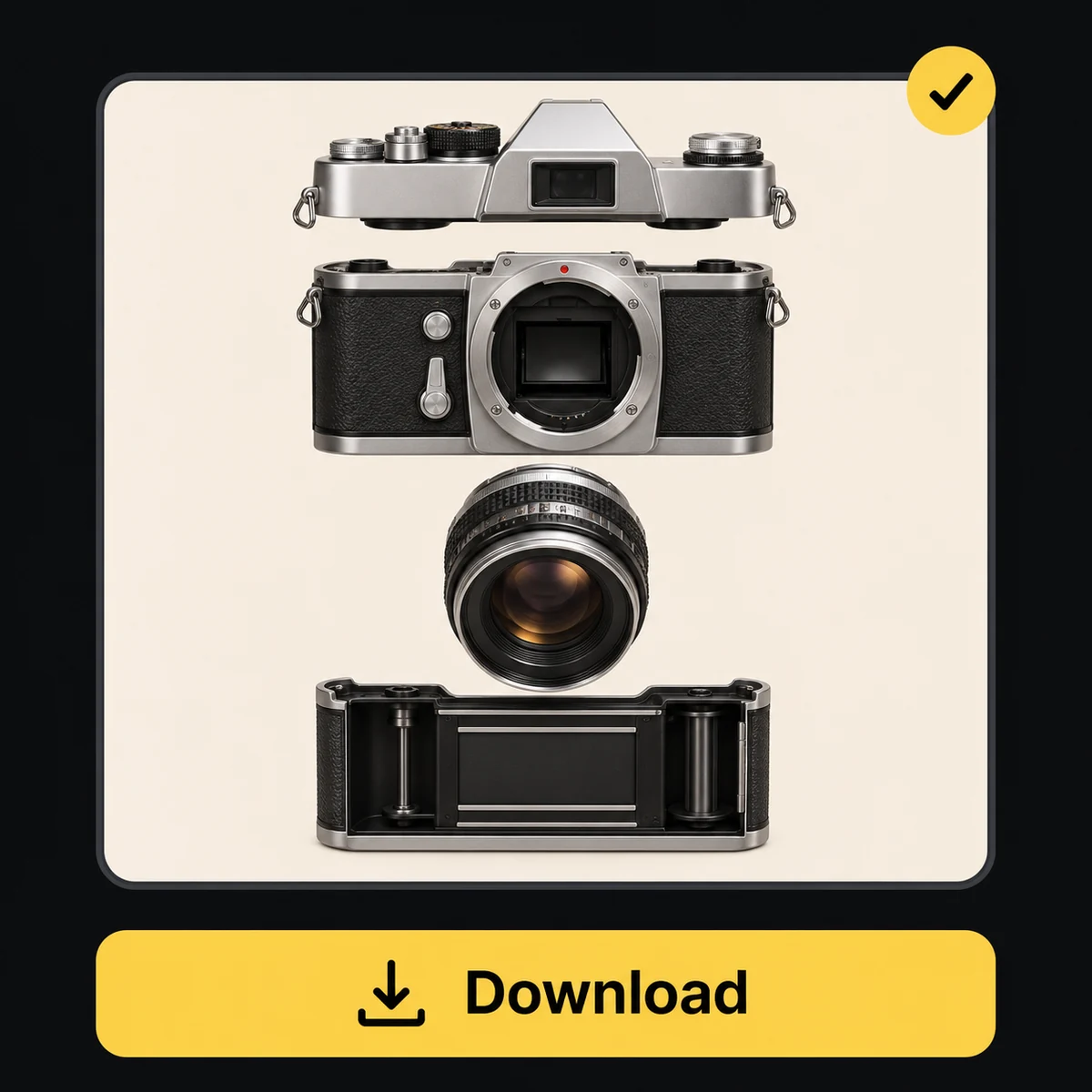
Explain a product’s structure
An exploded camera view brings separated components, labels and supporting views into one technical-style composition.
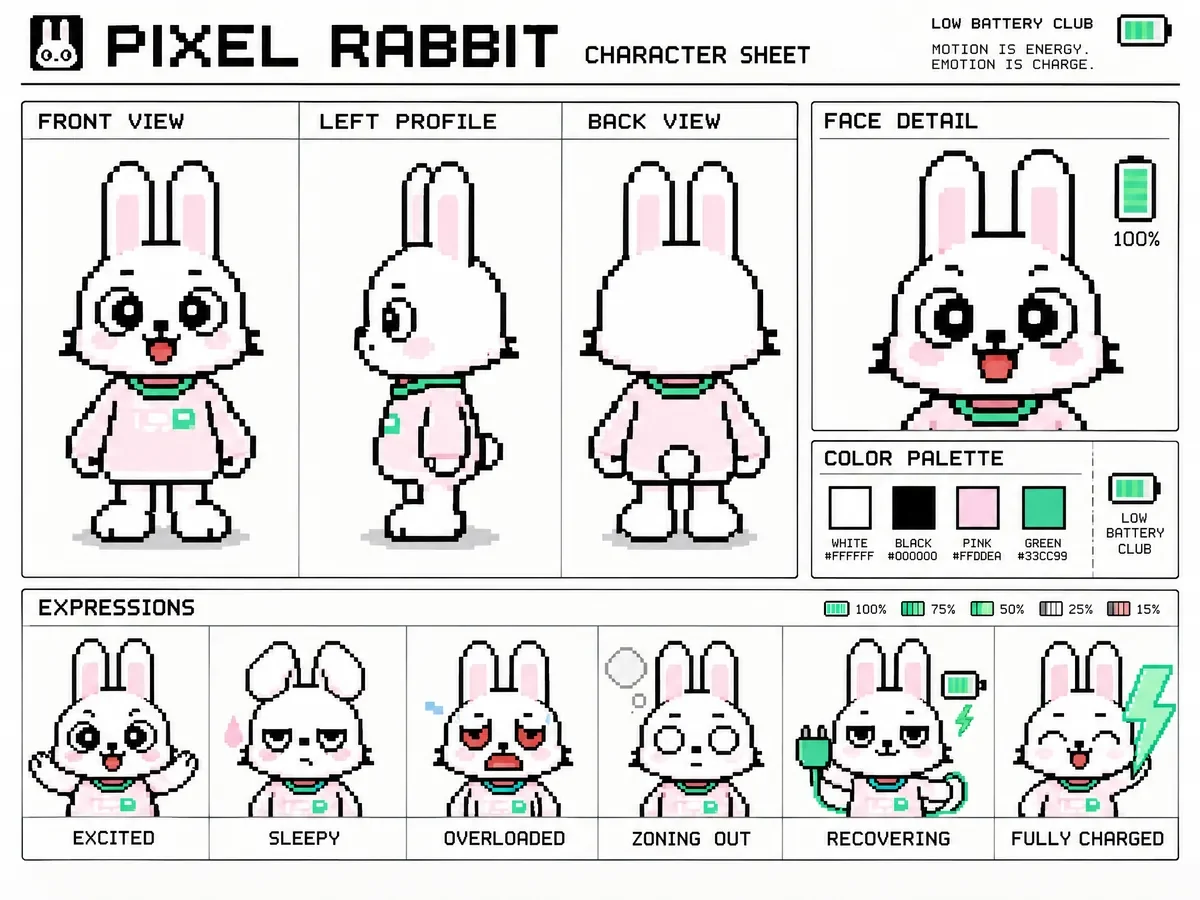
Develop a character sheet
A pixel-art rabbit appears in multiple views and expressions, with a shared palette and recognizable silhouette.
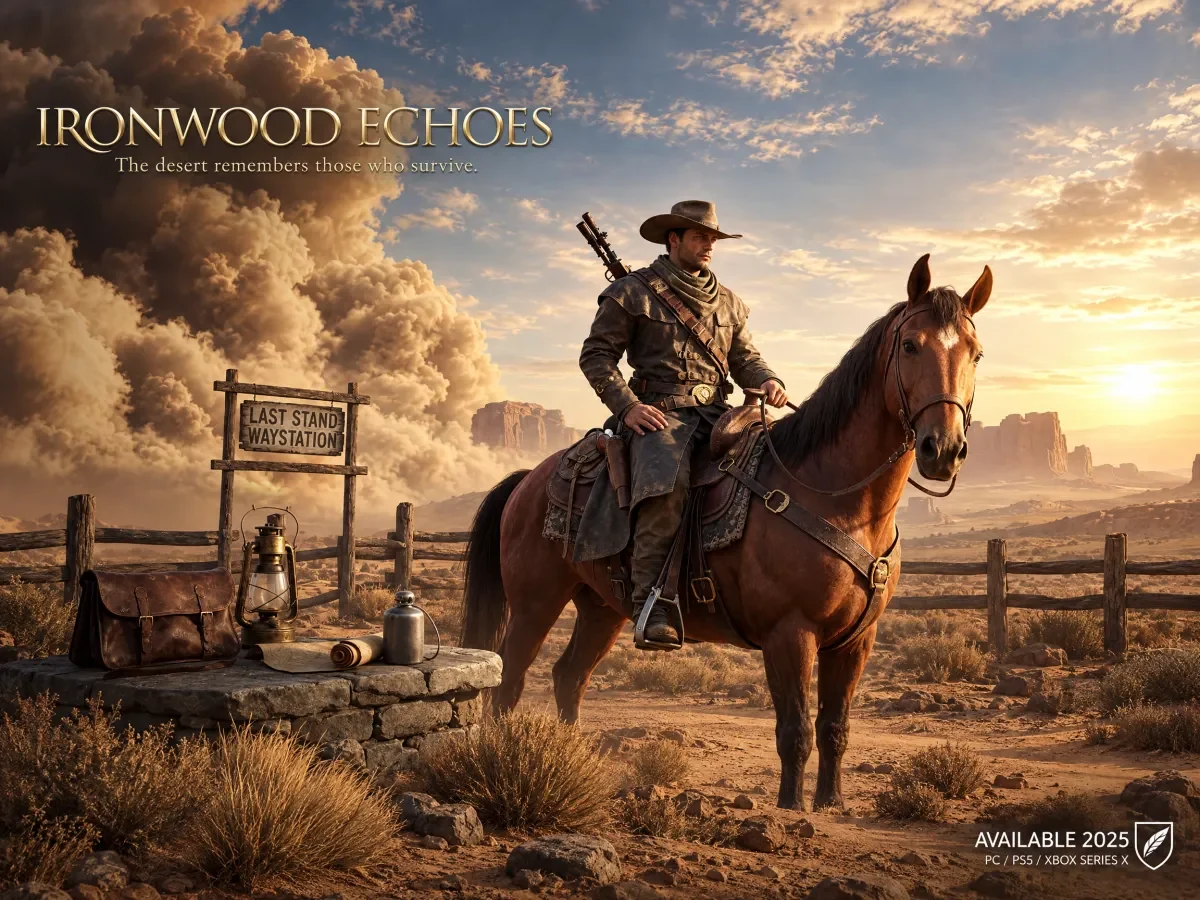
Establish a game world
A rider, a desert outpost and evening light form a cohesive piece of game key art.
How to use Minimax h3 Image on this platform
Start with an idea or a reference image, then refine the result through the image creation workflow.
Workflow illustration Choose the model and mode
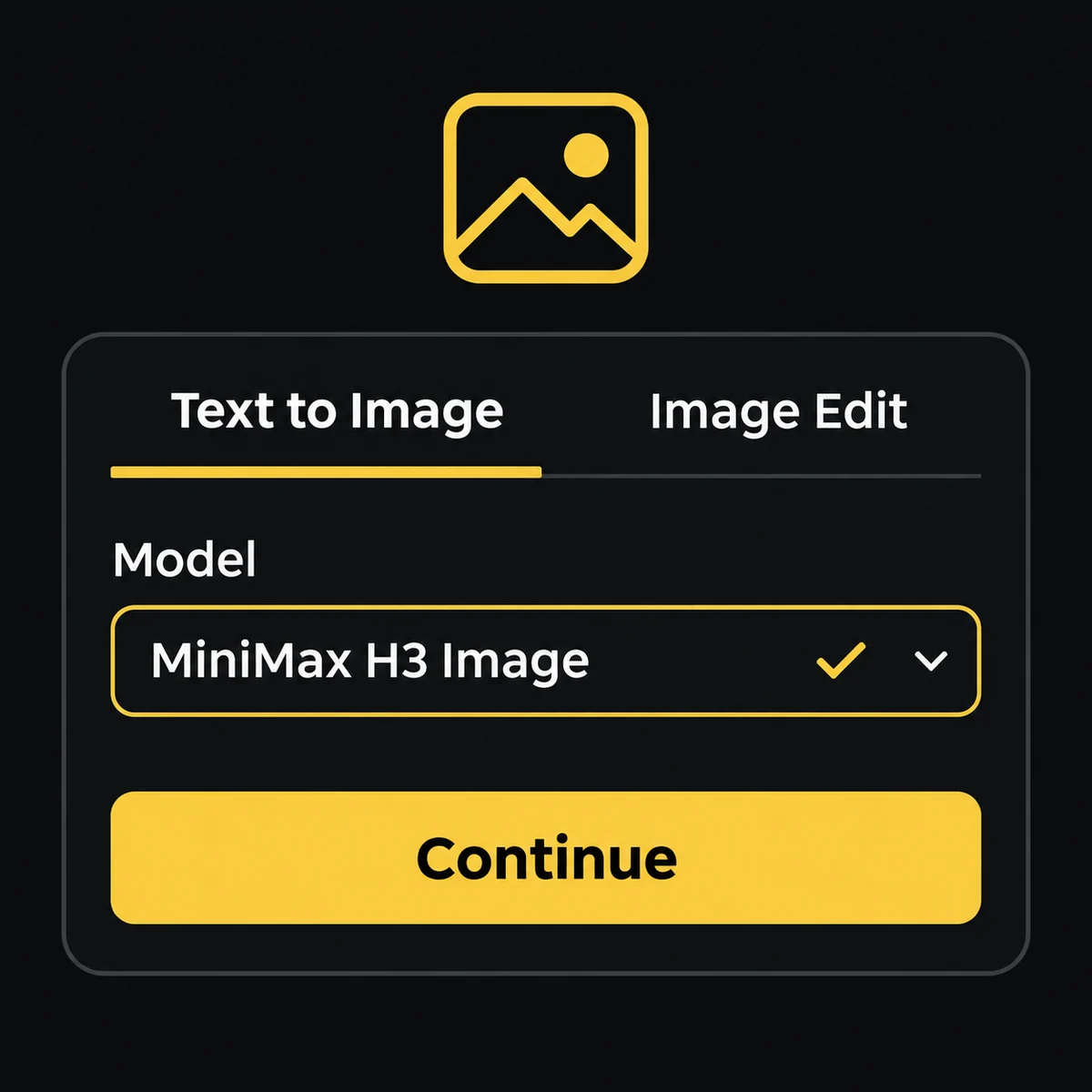
Open the image generator and check the selected model. Choose text-to-image for a new scene or image editing to work from references.
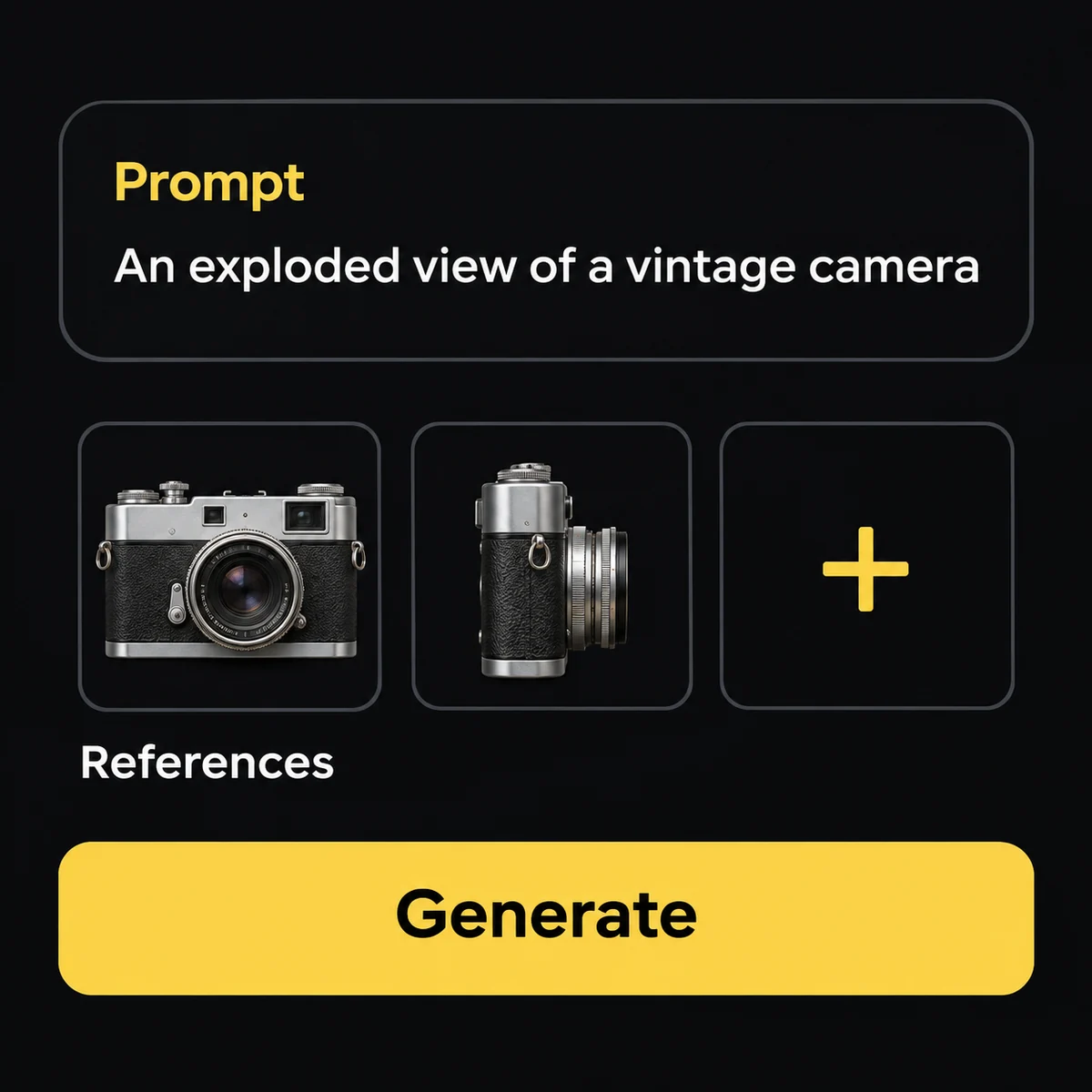
Workflow illustration Describe the image and add references
Specify the subject, viewpoint, lighting and any required text. For an edit, explain what each reference contributes and what should stay the same.
Workflow illustration Generate, review and download
Choose the options shown for the selected model and review the credit cost. Submit the task, inspect the result and download the image from My Creations.
Key features of Minimax h3 Image
Create around four strengths: image detail, multiple references, structured instructions and spatial transformations.

Native high-resolution detail
The official model supports images around 16 megapixels, including 4096 × 4096 at 1:1, without a separate upscaling step. Use that room for fabric, surfaces, light and fine details. Available output sizes depend on the selected generator.
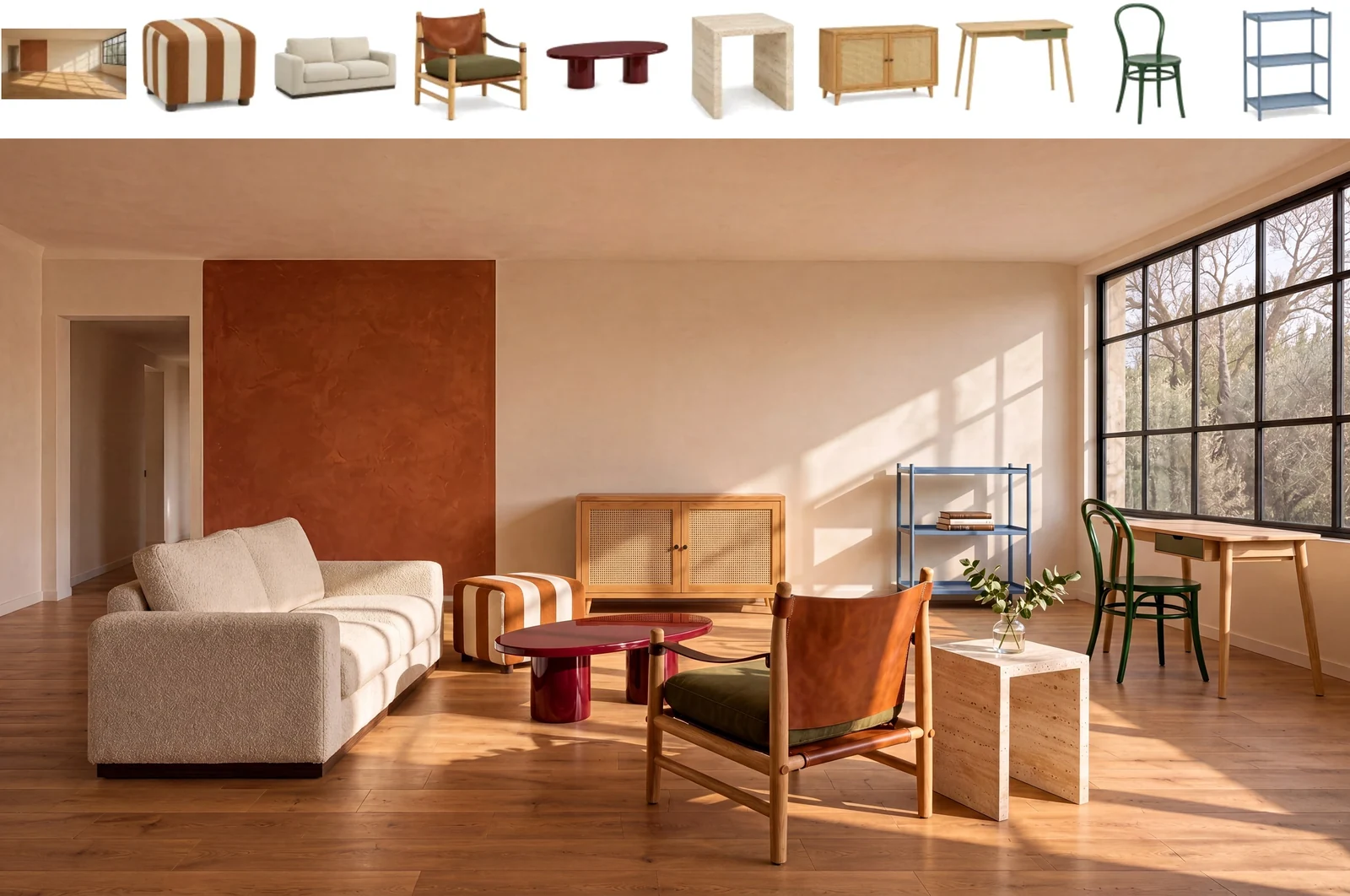
Bring up to 16 references together
Assign a role to each image: subject, object, palette or layout. The official room example combines an empty interior with nine furniture references in one composition. The generator’s upload limit applies to your selected model.
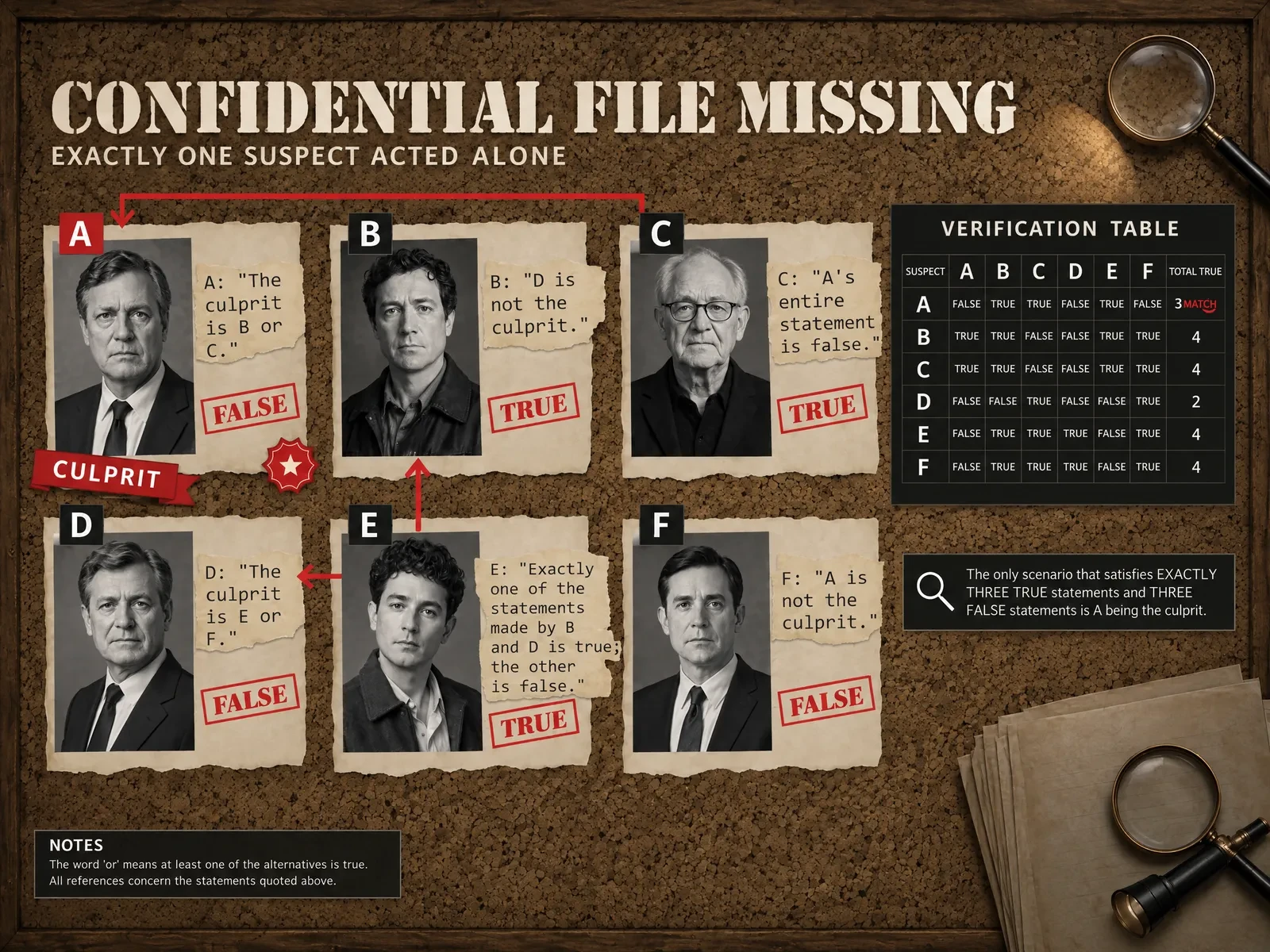
Give complex briefs a visible structure
Describe relationships, panel order, headings and labels. H3 Image can arrange text and imagery within a detailed composition, as shown in the official evidence-board example. Check spelling and factual content before using the result.
Transform a reference into a new viewpoint
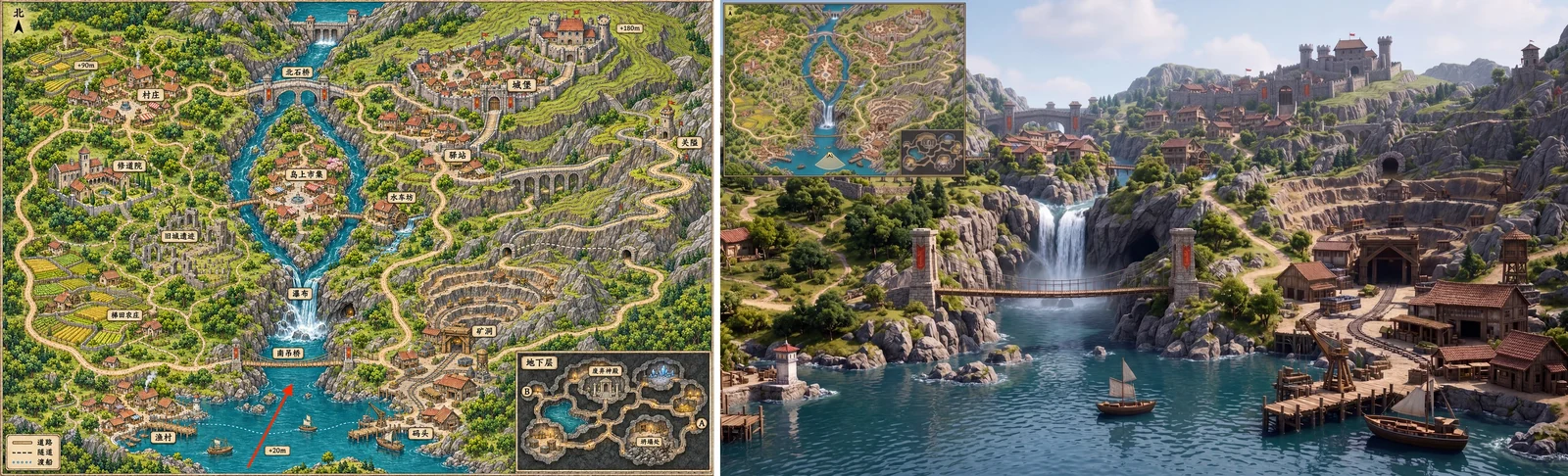
Use a map, layout or rough render to guide a new scene. The official map example moves from an overhead plan to a first-person game view, making spatial relationships part of the creative brief.
Community experiments and discussions
Explore the original X posts, including image comparisons and workflows that combine H3 images with video models.
Loading post. You can also open the original.
View original post on XLoading post. You can also open the original.
View original post on XLoading post. You can also open the original.
View original post on XLoading post. You can also open the original.
View original post on XLoading post. You can also open the original.
View original post on XQuestions about Minimax h3 Image
Is MiniMax H3 Image an image or video model?
H3 Image generates and edits still images. It is distinct from the H3 video models. A moving showcase may combine an H3 Image result with a separate video model.
Can I create images from text and edit existing pictures?
Yes. The public model supports both tasks. Describe a new scene for text-to-image, or supply references and specify the changes for image editing.
How many references can I use?
MiniMax documents support for up to 16 reference images. The actual upload allowance on this platform follows the model selected in the generator.
Does H3 Image support native 4K?
The official model supports about 16-megapixel output, including 4096 × 4096 for a square image. Other aspect ratios use different dimensions. Choose from the sizes available in the generator.
What should I put in a detailed prompt?
Specify the subject, composition, viewpoint, light and materials. State any exact text, define the role of each reference and describe which details an edit should preserve.
Can it make diagrams and images with text?
Official examples include labeled diagrams, character sheets and text-heavy layouts. Review small lettering, dimensions and factual claims before sharing the image.
Which model will the creation button open?
The button opens this page’s configured image generator. Check the model selector before submitting: the selected model determines the available settings and result. H3 Image must appear there to generate with H3 Image itself.
How do I check cost and save my result?
Review the credit estimate and your balance in the generator before submitting. When the task completes, open the image in My Creations to preview and download it.
Turn your next brief into an image
Start with a product, a character or a world you want to build. Give each reference and detail a clear role.